


Prospective Student Information Sessions
NCC invites prospective students and their families to attend our upcoming Informational events.


Academic Calendar
Student Calendar
- Academic Student Calendar
- Arts & Special Events
- Athletics
- Recreation
Faculty & Admin Calendar
- Academic Student Calendar
- Admin Calendar
- Arts & special events
- Athletics
- Recreations
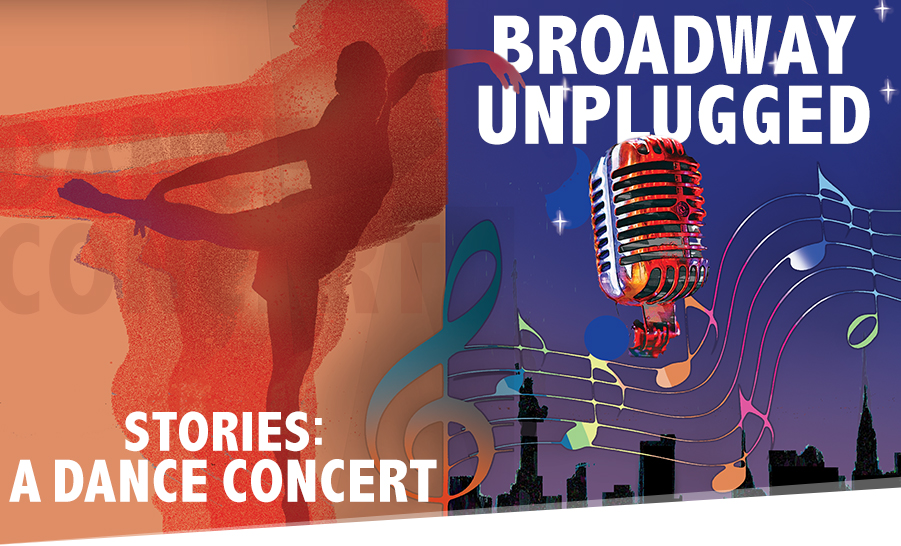
FEATURED EVENTS

CONTINUING EDUCATION
Lifelong Learning
Personal and professional growth courses designed to broaden your background.


WORKFORCE DEVELOPMENT TRAINING
Open Enrollment Courses
Interested in beginning a new career, improving your skills or credentials, or growing your business?
NASSAU LIONS ATHLETICS
 From Baseball, to Softball, Soccer and Lacrosse; to Track and Field, Football and
Basketball– the Nassau Lions athletes consistently perform at an elite level athletically
and academically.
From Baseball, to Softball, Soccer and Lacrosse; to Track and Field, Football and
Basketball– the Nassau Lions athletes consistently perform at an elite level athletically
and academically.
NCC student-athletes are ambassadors for the student body, working just as hard in the classroom as they do in competition.


GET SOCIAL!
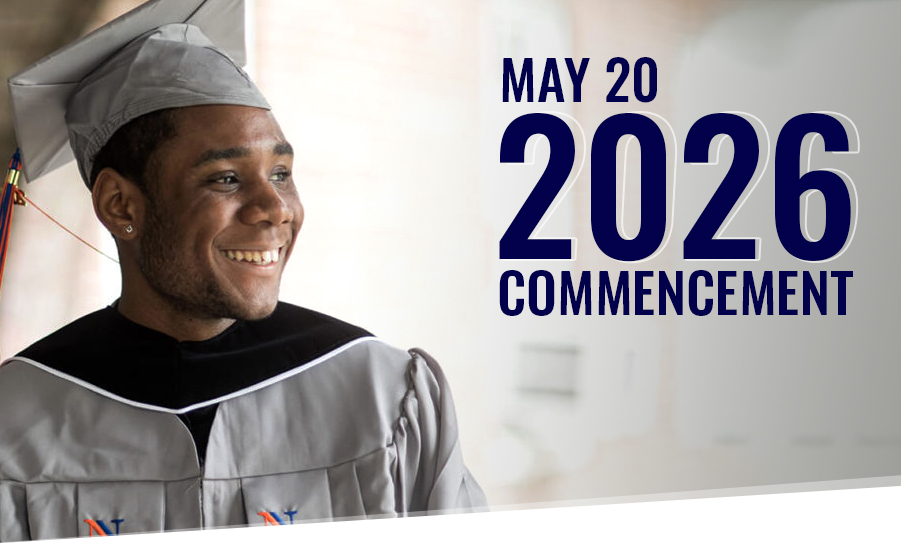
Reminder NCC Spring 2024 Graduate Candidates: The last day to place a regalia order for home shipping of your cap/gown is TOMORROW, Friday, April 26, 2024. Please refer to the commencement page ncc.edu/graduation for further information.
#nassaucommunitycollege #ncc #nccthesmartchoice #commencement #graduation #capandgown #classof2024
13 hours ago

Join us for a virtual information session on Thursday, April 25! Learn about the admissions application process, financial aid and educational opportunities at NCC. Register today at: ncc.edu/admissions/infosession.shtml
3 days ago

Wishing a Happy Passover to all who celebrate. As a reminder, classes do not meet, and NCC's offices are closed tomorrow, Tuesday, April 23rd.Wishing a Happy Passover to all who celebrate. As a reminder, classes do not meet, and NCC's offices are closed tomorrow, Tuesday, April 23rd.
3 days ago

Calling all Nassau students! Spring Fest is back and better than ever. Don't miss out on FREE food, music and fun activities. Mark your calendars for Thursday, April 25 and head to the Quad behind the G Building from 11:30 am – 1 pm. 🌞🎈🎶
#nassaucommunitycollege #ncc #springfest #studentlife #foodtrucks #funtimesahead #nccprogrammingboardCalling all Nassau students! Spring Fest is back and better than ever. Don't miss out on FREE food, music and fun activities. Mark your calendars for Thursday, April 25 and head to the Quad behind the G Building from 11:30 am – 1 pm. 🌞🎈🎶
#nassaucommunitycollege #ncc #SpringFest #StudentLife #FoodTrucks #FunTimesAhead #NCCProgrammingBoard
3 days ago

To celebrate Earth Day, NCC is offering two virtual presentations on Wednesday, April 24, beginning at 7 pm: "Wile E. on the L.I.E.: Coyotes on Long Island" and "Ticked Off: The Ticks of Long Island." For more information, contact michael.zito@ncc.edu.
#nassaucommunitycollege #ncc #nccthesmartchoice #earthdayTo celebrate Earth Day, NCC is offering two virtual presentations on Wednesday, April 24, beginning at 7 pm: "Wile E. on the L.I.E.: Coyotes on Long Island" and "Ticked Off: The Ticks of Long Island." For more information, contact michael.zito@ncc.edu.
#nassaucommunitycollege #ncc #nccthesmartchoice #earthday
4 days ago

Join us this Sunday at 2 pm for the NCC Chorus and Vocal Ensemble Spring Concert! Enjoy a program of choral music spanning centuries of music, from the Italian renaissance to modern American masters, featuring our talented students from the NCC Music Department and across campus.
The concert will take place in the Q Building, Room 105. Tickets are a suggested donation of $5, the proceeds of which go to student scholarships.
#nassaucommunitycollege #ncc #NCCMusic
5 days ago

Students from East Meadow High School visited campus this week for multiple workshops at the Art Department. The students were introduced to the Raku pit-firing technique and visited the darkroom for a photography workshop with Prof. Monastra. Check out their amazing work!
📸 Raku workshop photos by Joseph Gioia
#nassaucommunitycollege #ncc #nccthesmartchoice #suny #eastmeadowhsPhotos from Nassau Community College's post
6 days ago


The 2024 Multicultural Fair embraced the theme of "Unity in Diversity: We are Stronger Together," and this sentiment was evident in the wide array of food, displays and students at the event. Attendees had the opportunity to explore various cultures, cuisines and campus clubs. Thank you to everyone who participated!
#nasssaucommunitycollege #ncc #nccthesmartchoice #multiculturalfair #bettertogether #diversityPhotos from Nassau Community College's post
6 days ago


The Philosophy Department this week held its first annual Bioethics Symposium on New Topics in Bioethics. Students, faculty and experts from the Icahn School of Medicine at Mount Sinai discussed topics including the moral and social dimensions of artificial intelligence in medical research, obesity and healthcare, mental health and more.
#nassaucommunitycollege #ncc #nccthesmartchoice #suny #bioethics
1 week ago

Check out the Music Department student recitals on one of the following Thursdays: April 18, April 25 and May 2! All recitals are held in Room 105 of Building Q at 11:30 am and feature solo works from across the musical genres. Come support our talented NCC students!
#nassaucommunitycollege #ncc #nccthesmartchoice #music #recitals
1 week ago


Copyright ©Nassau Community College
